Perfect Popups for WordPress
Create stunning popups, modals and overlays with any WordPress blocks. Flexible triggers, intelligent display rules, and tons of options. Plus, it won't slow down your site.
Free download
Create stunning popups, modals and overlays with any WordPress blocks. Flexible triggers, intelligent display rules, and tons of options. Plus, it won't slow down your site.
Free download
The easiest way to create effective popups and modals in WordPress
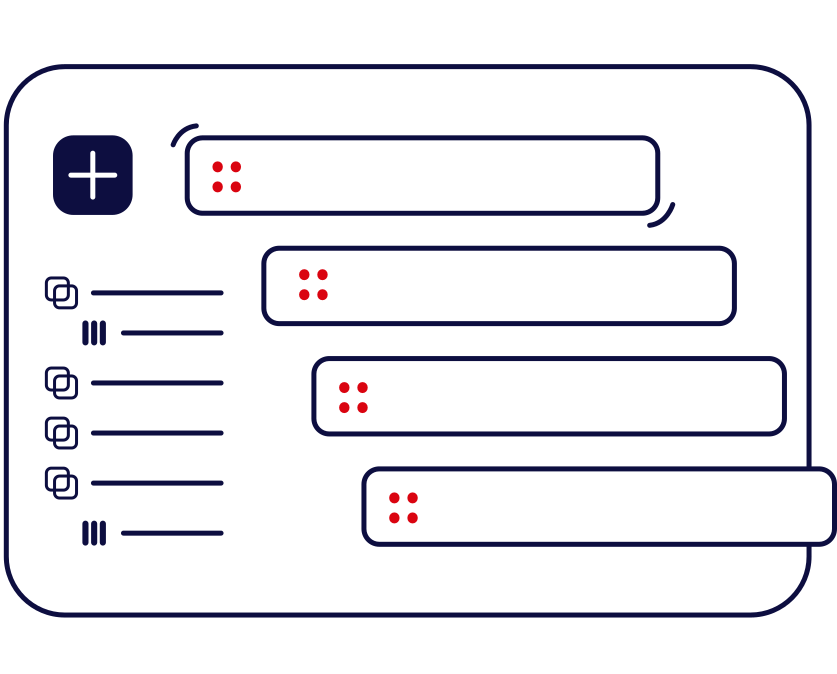
No learning curve. No proprietary interface. You can use any blocks and it works seamlessly with your existing theme.
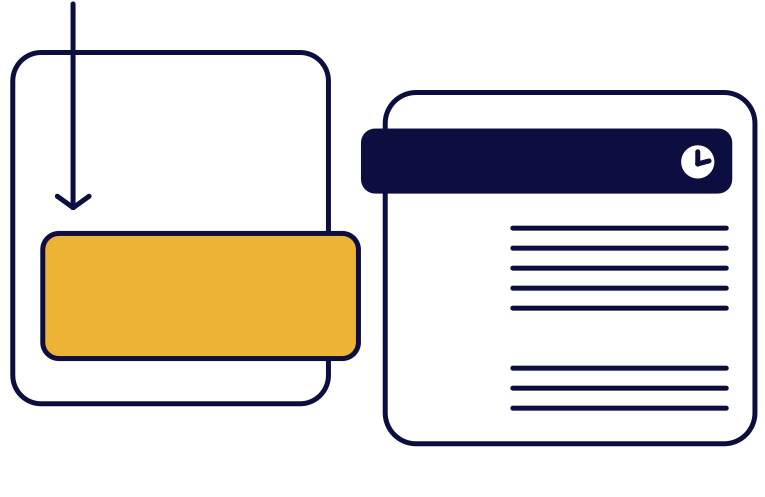
Show popups exactly when you want them. From immediate page load to precise scroll percentages and exit intent detection.
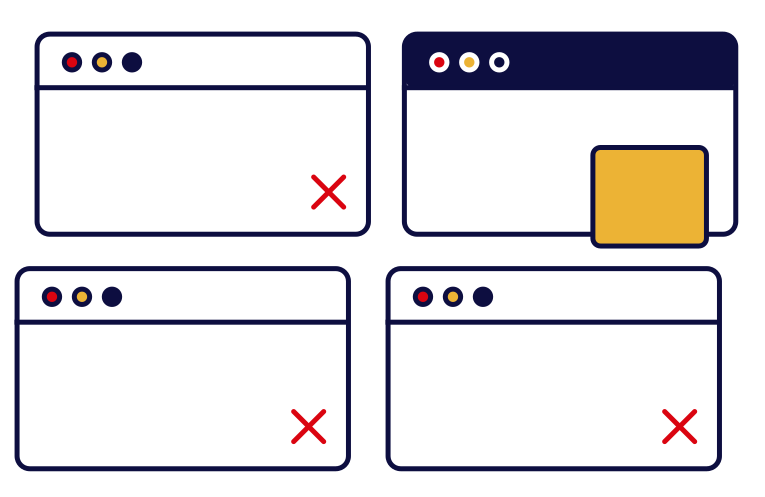
Target the right users at the right time. Track page views, sessions, devices, browsers, and more with frequency capping.
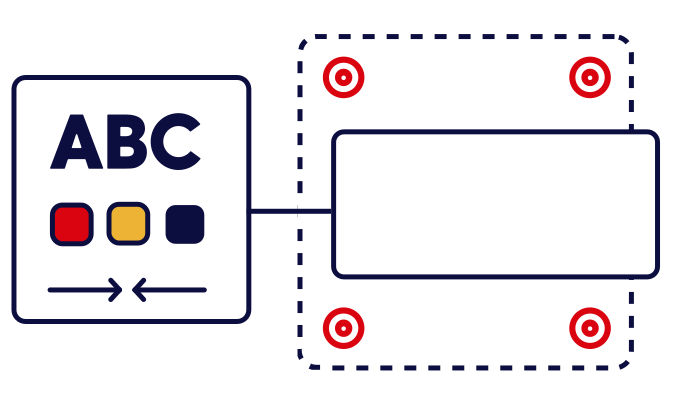
You choose how your popups look and feel. Multiple positions, smooth animations, overlay control, and close-button variants.
We needed a popups plugin that didn't slow down our site. So we built it.
Easy Pop is built with accessibility in mind from the ground up. Full keyboard navigation, ARIA labels, focus trapping, and screen reader support ensure your popups work for everyone.
At just 2.8KB of JavaScript and 1.2KB of CSS, Easy Pop has virtually no impact on your site's performance. No external dependencies means faster loading and better reliability.
See how Easy Pop works for different needs

Capture emails with exit intent triggers. Show only to logged-out users and limit frequency to avoid annoying visitors.

Announce promotions with time delay or scroll triggers. Target specific products or pages with intelligent display rules.
Share critical updates, schedule campaigns, and control how often users see them with frequency capping.
Create effective forms using any block. Trigger after users scroll, show on specific pages, or use time delays.
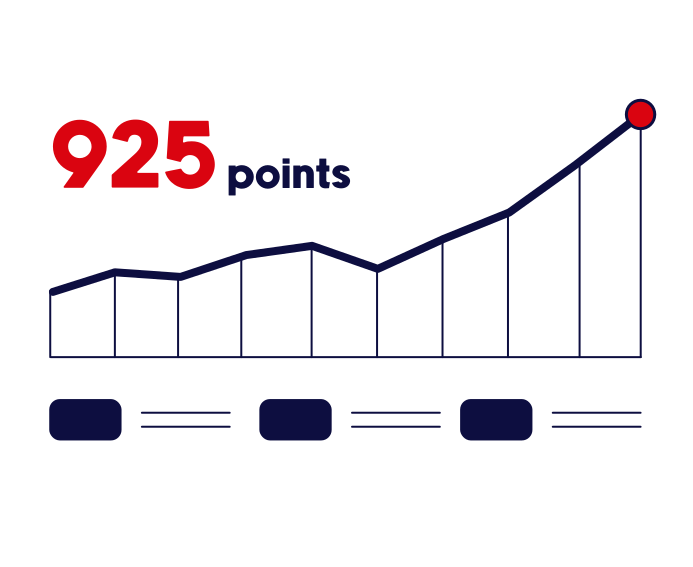
Trigger modals at 70% scroll on blog posts. Show only to users who've viewed 2+ pages for better conversion.
Collect feedback at the right moment. Use click triggers to let users open surveys on demand.
Manage cookie compliance with frequency control. Show once per session and respect user preferences.

Enforce compliance requirements. Control display by device type and show modals on page load with custom styling.
Yes! The modal content area supports all WordPress blocks, including third-party blocks from other plugins. This gives you complete flexibility to design modals however you want.
Easy Pop uses cookies to track when a modal has been shown. Based on your settings, it will respect the display frequency you've chosen. For example, if you set "6 times per month," the modal will stop showing after it's been displayed 6 times in that period.
Absolutely! You can create as many modals as you need. Each modal's trigger conditions and display rules are evaluated independently, so you have complete control.
Absolutely! Easy Pop includes proper ARIA labels, focus trapping, keyboard navigation (ESC to close, TAB to navigate), and focus restoration when closed. It's designed to work for everyone.
Yes! The modal is fully responsive and works beautifully on all device types. You can even choose to show modals only on specific devices (desktop, mobile, or tablet).
Set the trigger to "Click" and provide a CSS selector (like ".open-modal-button" or "#special-offer-btn"). Any element matching that selector will open the modal when clicked. This gives you flexibility to place trigger buttons anywhere on your page.
Yes! Easy Pop uses minimal base styles, so you can easily add custom CSS to match your site's design. The modal content inherits your theme's block styles, making it feel like a natural part of your site.
No! Easy Pop is heavily optimized for performance with minimal JavaScript (under 3KB) and CSS (under 2KB). Modals only load the resources they need, so there's virtually no impact on your site's speed.